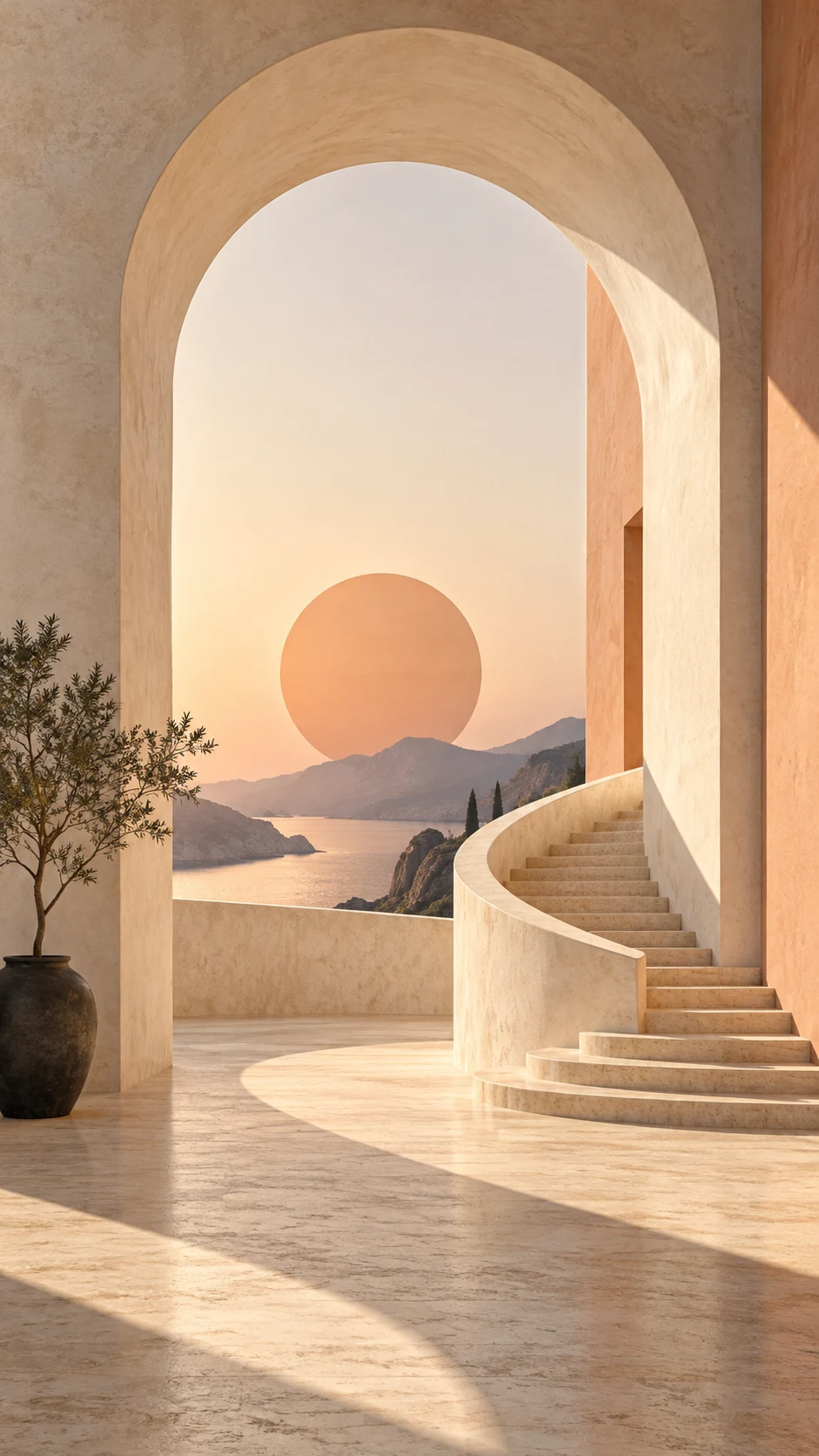
A single arch, a soft sphere or one branch can be enough. Describe the material and the light, then stop. Lists of neon, glass, smoke, stars and reflections tend to compete with a minimal idea. Use the negative prompt to discourage extra objects, lettering or unnecessary texture when the model supports that direction.
Choose contrast for your icons.
A pale background may work with dark widgets; a charcoal surface may suit light icons. Inspect the actual colors of your interface before creating. An intentional empty area helps keep a wallpaper usable instead of merely attractive in a gallery thumbnail. The studio preview is a guide; your device provides the final check.
Let the daily allowance become an experiment.
Use one day to explore materials and the next to refine a palette. Saved presets keep the combinations you like. Daily credits renew without accumulating, so a short, thoughtful session can be more useful than repeatedly changing every setting at once. Download your successful versions before comparing them on screen.
Ideas you can actually use
Three ways to begin.
Open a prompt, make it your own, and choose the current image model in the studio. Generating uses the credit cost shown there; preparing a prompt is free.
A starting point
A warm limestone arch and one long shadow, sunlit terracotta, understated architectural geometry, fine paper-like texture, calm open space for a phone clock.
A warm limestone arch and one long shadow, sunlit terracotta, understated architectural geometry, fine paper-like texture, calm open space for a phone clock. Use a simpler composition, low-contrast surroundings, and generous empty space for the screen interface.
A warm limestone arch and one long shadow, sunlit terracotta, understated architectural geometry, fine paper-like texture, calm open space for a phone clock. Reinterpret the scene in muted warm earth colors, with one small contrasting highlight and a calm background.
A fresh allowance every day. Sign up for 5 daily free credits. Unused daily credits expire at 00:00 UTC. Purchased and previously saved credits stay available. See the daily credit rules.A few useful answers
About minimalist wallpapers.
Can I make minimalist wallpapers for free?
Yes. Sign up for 5 free credits each UTC day. At the standard one-credit generation cost, that can create five wallpapers. Daily credits expire at the reset; purchased and existing saved balances remain available. The studio shows the current cost.
What size should my minimalist wallpaper be?
Choose a composition that matches your screen and keep essential details away from the edges. Phone models use different dimensions. Use the screen-size guide and local wallpaper resizer to prepare an exact canvas.
Can I download the image and keep it private?
Yes. Successful generations save to your private collection. Download the original or make a PNG or JPEG screen export. Publishing is optional and separate from generating or downloading.
Can I use these examples as prompts?
Yes. Each example opens in the studio as an editable prompt. Change the subject, mood, color story and composition before generating. Example artwork illustrates a direction; it is not a promise of an identical result.