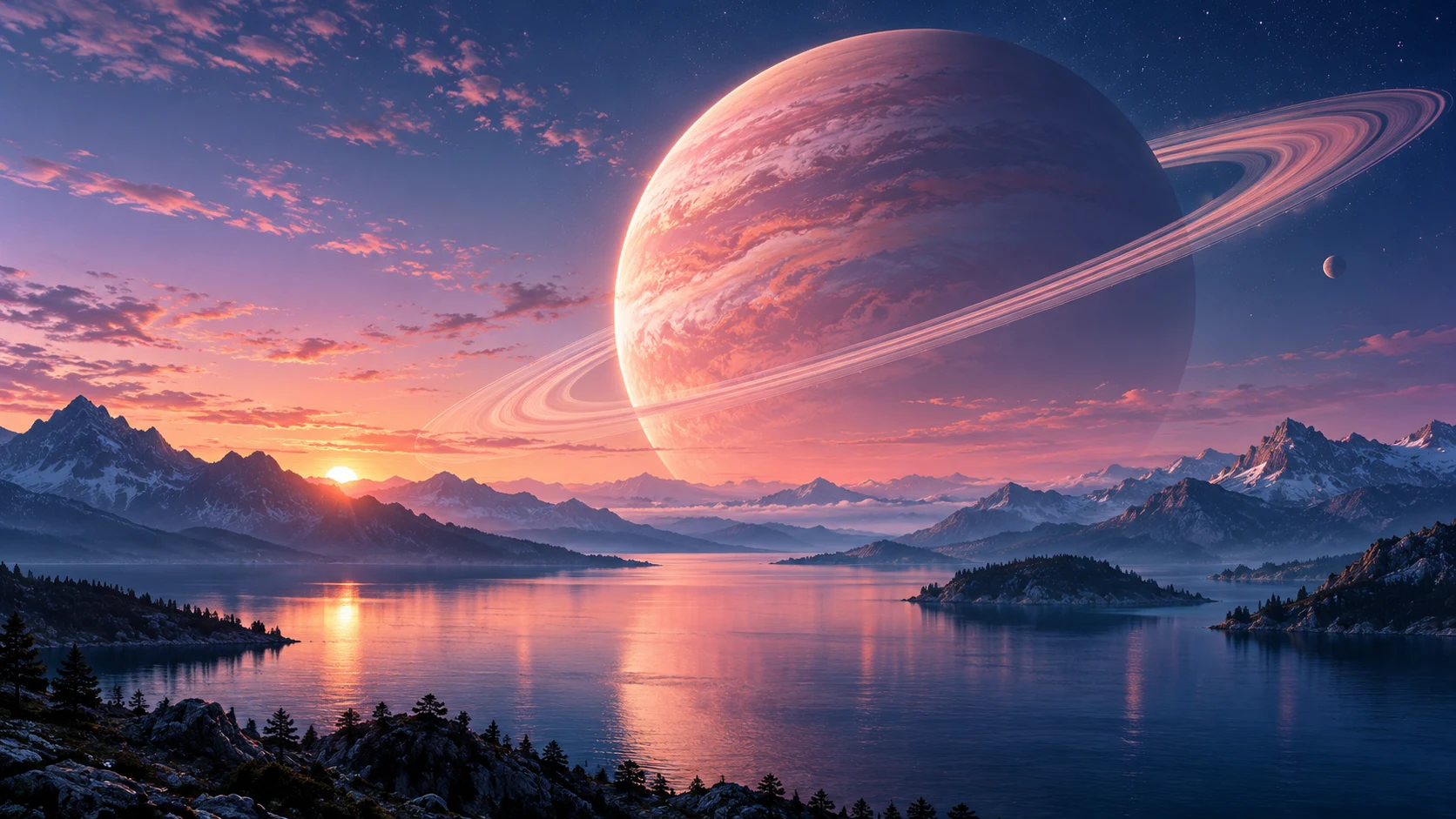
Choose 21:9 before generating. A low horizon, repeating mountain layers or a restrained abstract ribbon can make use of the full width without turning every corner into a focal point. Place the strongest subject off-center if you keep working windows in the middle of your monitor.
Know your exact dimensions.
3440 × 1440 and 2560 × 1080 are common ultrawide canvas sizes, but displays differ. Match your actual resolution in the wallpaper resizer and inspect the crop before downloading. An ultrawide-sized export is a canvas size, not a guarantee that the connected image model generated that many native pixels.
Make your desktop easier to read.
If icons occupy the left side, ask for softer detail and lower contrast there. Keep the taskbar area simple, especially when it is translucent. For a pair of displays, build related images using one saved palette rather than expecting a single generated panorama to align perfectly across different monitors.
Ideas you can actually use
Three ways to begin.
Open a prompt, make it your own, and choose the current image model in the studio. Generating uses the credit cost shown there; preparing a prompt is free.
A starting point
A panoramic valley seen from a mountain cabin window, low rolling fog, muted amber light, a small focal point to the right, calm left side for desktop icons.
A panoramic valley seen from a mountain cabin window, low rolling fog, muted amber light, a small focal point to the right, calm left side for desktop icons. Use a simpler composition, low-contrast surroundings, and generous empty space for the screen interface.
A panoramic valley seen from a mountain cabin window, low rolling fog, muted amber light, a small focal point to the right, calm left side for desktop icons. Reinterpret the scene in muted warm earth colors, with one small contrasting highlight and a calm background.
A fresh allowance every day. Sign up for 5 daily free credits. Unused daily credits expire at 00:00 UTC. Purchased and previously saved credits stay available. See the daily credit rules.A few useful answers
About ultrawide wallpapers.
Can I make ultrawide wallpapers for free?
Yes. Sign up for 5 free credits each UTC day. At the standard one-credit generation cost, that can create five wallpapers. Daily credits expire at the reset; purchased and existing saved balances remain available. The studio shows the current cost.
What size should my ultrawide wallpaper be?
Use the exact resolution and aspect ratio of your monitor. Choose a landscape or ultrawide composition before generating, then crop a download for the screen. The connected model determines the native dimensions.
Can I download the image and keep it private?
Yes. Successful generations save to your private collection. Download the original or make a PNG or JPEG screen export. Publishing is optional and separate from generating or downloading.
Can I use these examples as prompts?
Yes. Each example opens in the studio as an editable prompt. Change the subject, mood, color story and composition before generating. Example artwork illustrates a direction; it is not a promise of an identical result.