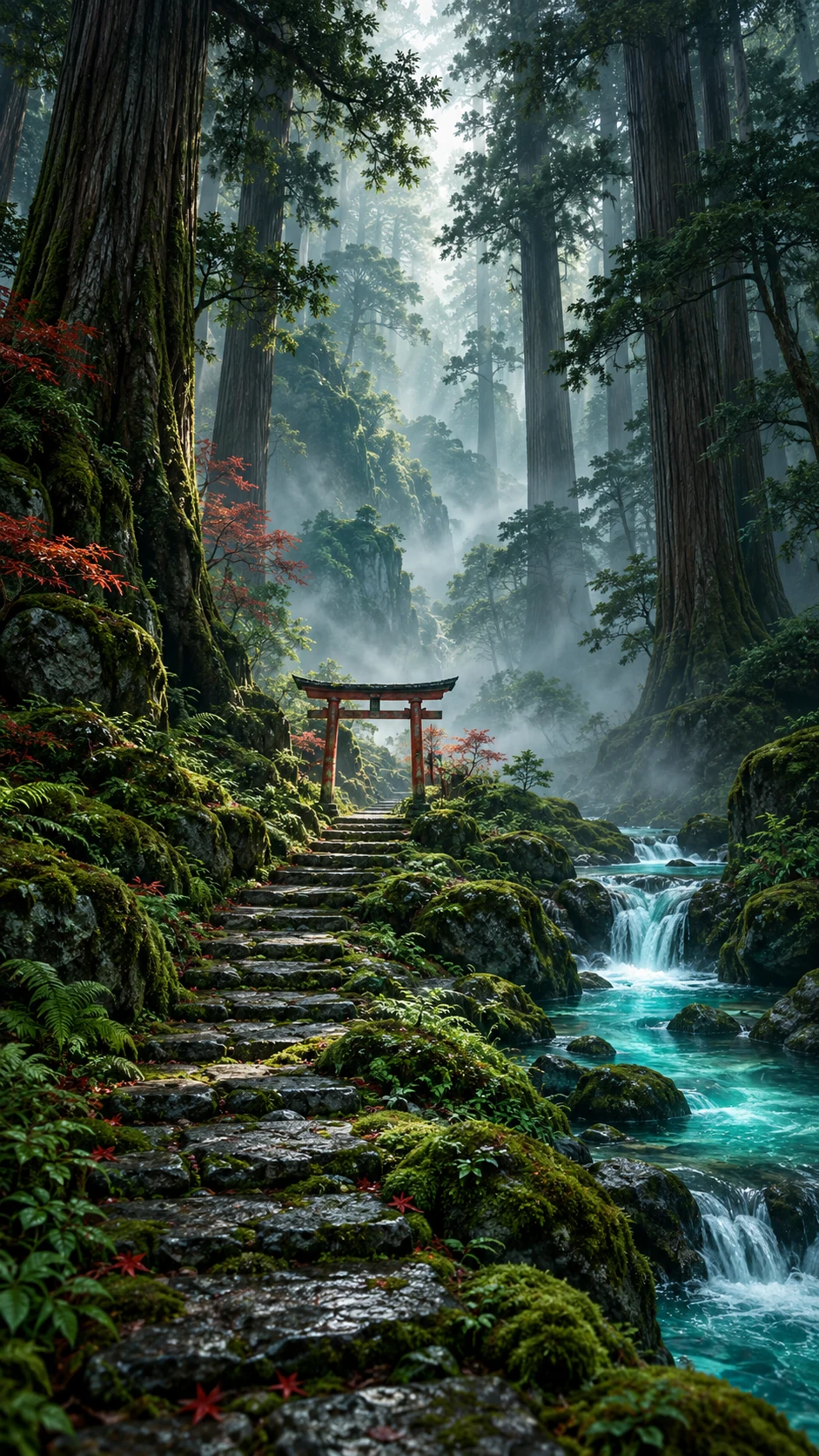
Bring a small piece of an imagined garden into your day. Choose a botanical subject, a quiet setting and a style that leaves room for the screen around it.
A single fern, a branch of blossoms or a soft arrangement of leaves gives the prompt a clear subject. Watercolor suggests delicate edges and paper texture, while photography asks for natural light and believable depth. If exact species identification matters, review the output carefully: generated plants are artwork and may not be botanically accurate.
Keep the center of attention intentional.
A small stem in the lower third can make a calm phone background. An off-center arrangement may work better for a desktop with icons on one side. Ask for negative space and a restrained background so decorative detail does not compete with clocks, widgets or text.
Make a collection through color.
Try several subjects in the same sage-and-cream palette, or keep the plant constant while changing the season and light. Save the settings you like, name each wallpaper clearly, and compare the actual crop on your screen. Your collection stays private unless you choose to publish.
Ideas you can actually use
Three ways to begin.
Open a prompt, make it your own, and choose the current image model in the studio. Generating uses the credit cost shown there; preparing a prompt is free.
A starting point
A single delicate fern unfurling against a pale warm background, fine watercolor texture, restrained sage and olive colors, plenty of negative space, no text.
A single delicate fern unfurling against a pale warm background, fine watercolor texture, restrained sage and olive colors, plenty of negative space, no text. Use a simpler composition, low-contrast surroundings, and generous empty space for the screen interface.
A single delicate fern unfurling against a pale warm background, fine watercolor texture, restrained sage and olive colors, plenty of negative space, no text. Reinterpret the scene in muted warm earth colors, with one small contrasting highlight and a calm background.
A fresh allowance every day. Sign up for 5 daily free credits. Unused daily credits expire at 00:00 UTC. Purchased and previously saved credits stay available. See the daily credit rules.A few useful answers
About botanical wallpapers.
Can I make botanical wallpapers for free?
Yes. Sign up for 5 free credits each UTC day. At the standard one-credit generation cost, that can create five wallpapers. Daily credits expire at the reset; purchased and existing saved balances remain available. The studio shows the current cost.
What size should my botanical wallpaper be?
Choose a composition that matches your screen and keep essential details away from the edges. Phone models use different dimensions. Use the screen-size guide and local wallpaper resizer to prepare an exact canvas.
Can I download the image and keep it private?
Yes. Successful generations save to your private collection. Download the original or make a PNG or JPEG screen export. Publishing is optional and separate from generating or downloading.
Can I use these examples as prompts?
Yes. Each example opens in the studio as an editable prompt. Change the subject, mood, color story and composition before generating. Example artwork illustrates a direction; it is not a promise of an identical result.