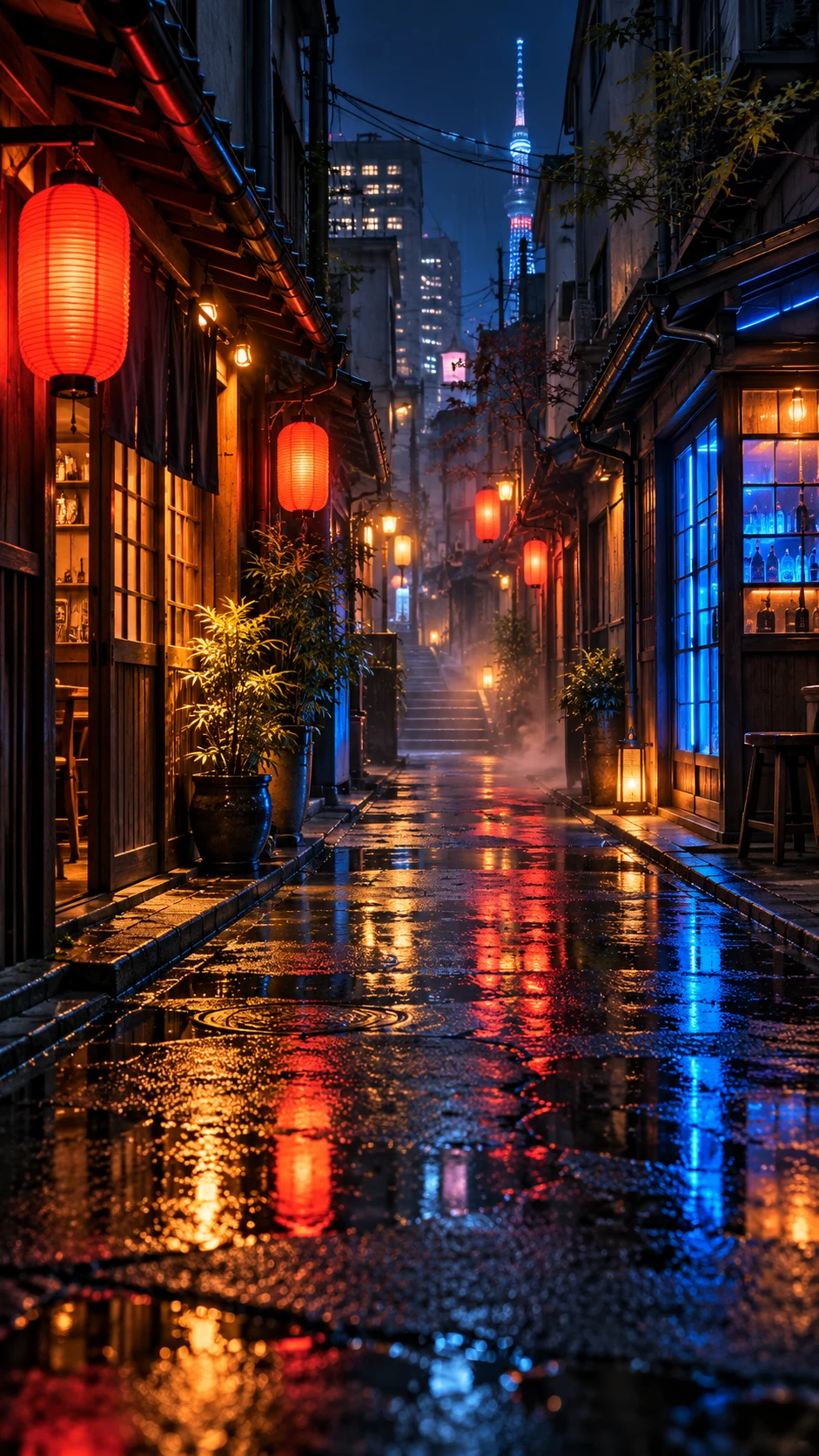
Give your setup an original visual identity. Create an imagined environment or a strong abstract motif that works with your screen rather than copying a game’s promotional art.
A lantern-lit mountain village, a quiet orbital station or a neon arcade corridor gives the image a concrete world. Ask for an original design and avoid familiar franchise characters or logos unless you have permission to use them. Pixel art, low poly and cinematic styles can each tell a different version of the same scene.
Keep a setup usable.
High contrast can look striking but make desktop icons disappear. Leave a calmer region where shortcuts sit and keep the taskbar edge simple. On an ultrawide display, spread environmental layers across the width while using one small focal point. Choose the screen shape first to reduce awkward crops later.
Match a palette, not every pixel.
If you want a wallpaper to complement your lighting or keyboard, use the studio’s custom color story. A small orange highlight against deep charcoal may feel more considered than filling the entire screen with saturated light. Keep several saved versions so you can switch between a vivid setup and a quieter everyday workspace.
Ideas you can actually use
Three ways to begin.
Open a prompt, make it your own, and choose the current image model in the studio. Generating uses the credit cost shown there; preparing a prompt is free.
A starting point
An original pixel-art mountain village at sunset, a tiny traveler beside a lantern, a warm window in the distance, a readable silhouette, no game logos or text.
An original pixel-art mountain village at sunset, a tiny traveler beside a lantern, a warm window in the distance, a readable silhouette, no game logos or text. Use a simpler composition, low-contrast surroundings, and generous empty space for the screen interface.
An original pixel-art mountain village at sunset, a tiny traveler beside a lantern, a warm window in the distance, a readable silhouette, no game logos or text. Reinterpret the scene in muted warm earth colors, with one small contrasting highlight and a calm background.
A fresh allowance every day. Sign up for 5 daily free credits. Unused daily credits expire at 00:00 UTC. Purchased and previously saved credits stay available. See the daily credit rules.A few useful answers
About gaming wallpapers.
Can I make gaming wallpapers for free?
Yes. Sign up for 5 free credits each UTC day. At the standard one-credit generation cost, that can create five wallpapers. Daily credits expire at the reset; purchased and existing saved balances remain available. The studio shows the current cost.
What size should my gaming wallpaper be?
Use the exact resolution and aspect ratio of your monitor. Choose a landscape or ultrawide composition before generating, then crop a download for the screen. The connected model determines the native dimensions.
Can I download the image and keep it private?
Yes. Successful generations save to your private collection. Download the original or make a PNG or JPEG screen export. Publishing is optional and separate from generating or downloading.
Can I use these examples as prompts?
Yes. Each example opens in the studio as an editable prompt. Change the subject, mood, color story and composition before generating. Example artwork illustrates a direction; it is not a promise of an identical result.